

Revitalise old displays and extend product lifespans

Get Android and full Google Mobile Services

Clutter-free, no-cable installation

Cut costs and IT support hours

Enterprise-grade security

Speed up legacy displays as old as 2015
Brand new again
Upgrade any SMART display – even models from 2015 – for like-new performance.
Save on tech
Cut costs and reduce landfill waste with an option for longer product life.
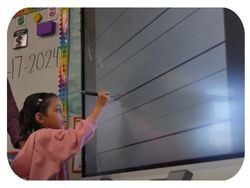
Stay up to date
Get improved speed, features, and security – without replacing your display
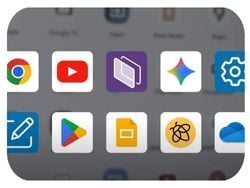
All your apps
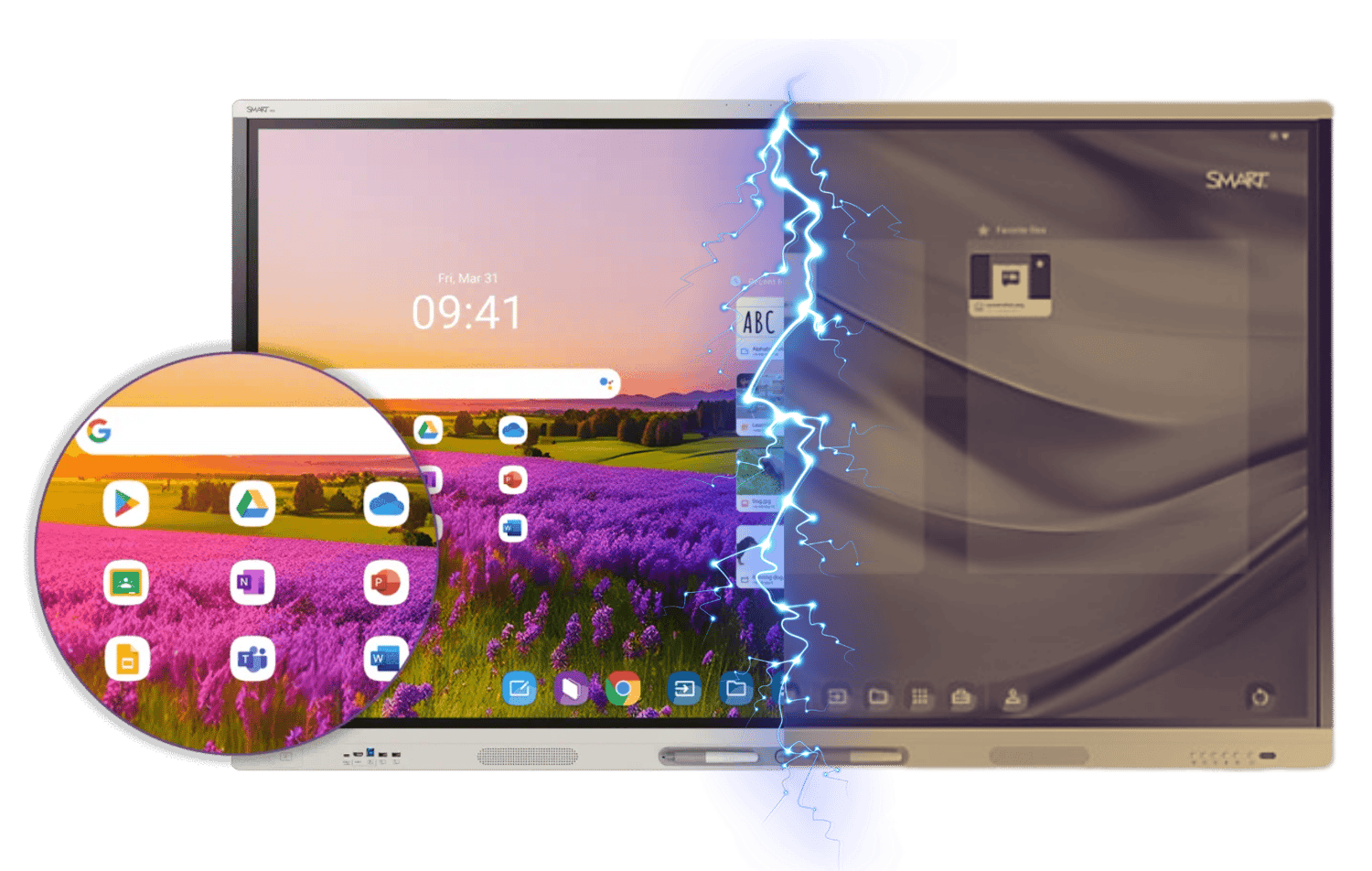
Access Google Play, Google apps, and Microsoft tools – fully integrated.

Trusted by
See it in action
Still have questions about the SMART AM60? Experience the SMART difference with a no-pressure demo to find out if it's right for you.
How an OPS module makes the difference
The SMART AM60 unlocks an entirely new level of performance and protection for your existing SMART display – without the cost or hassle of replacement. Simply slide in the secure, cable-free module behind your board and instantly access the Android operating system, full Google Mobile Services (including the Play Store), plus Microsoft tools, and over-the-air security updates.
Upgrade your old displays for less.
The SMART AM60 unlocks an entirely new level of performance and protection for your existing SMART display – without the cost or hassle of replacement. Simply slide in the secure, cable-free module behind your board and instantly access the Android operating system, full Google Mobile Services (including the Play Store), plus Microsoft tools, and over-the-air security updates.
OPS modules and the SMART Board® Mini
The SMART Board Mini is currently the ONLY interactive podium on the market with an integrated OPS module slot. Put in the power of the operating system you like best and present your message while facing what's important: your audience.
Upgrade from iQ3 to iQ4.
In this video, we walk you through the step-by-step process of upgrading from iQ 3 to iQ 4 using the AM60 appliance. Learn about the key installation requirements, post-installation setup, and usability considerations that ensure a smooth transition for your classroom or workplace.
From classrooms to careers
Campus entrances
Ensure that students and faculty are consistently informed and updated about upcoming events, closures, and other important information throughout the year
Classrooms
Empower educators and students with tools that allow them to instantly access and interact with lesson content, from lecture halls to breakout spaces.
Admin offices
Streamline meetings, improve project planning, and enhance communication across departments with hybrid collaboration tools.
Break-out spaces
Create a valuable repository of instant-access knowledge with walk-up-and-use tools that increase student foot traffic and facilitate study groups.