---
title: Lumio Black Friday 2026
image: https://go.smarttech.com/hubfs/OG%20Image%20Cards/Lumio-branded-card.jpg
---
[ ](https://www.smarttech.com/lumio)
[Sign up for FREE](https://suite.smarttech-prod.com/sign-up-now)
---
**Light up learning**
Effortlessly engage **every student** on any device using Lumio’s dynamic, collaborative web-based learning platform.
| [Sign up for FREE](https://suite.smarttech-prod.com/sign-up-now) | [What is Lumio? ](https://www.youtube.com/watch?v=JcMkrxOxn3E) |
| --- | --- |
 Access to all Standard features
 No credit card required
 50MB of lesson storage
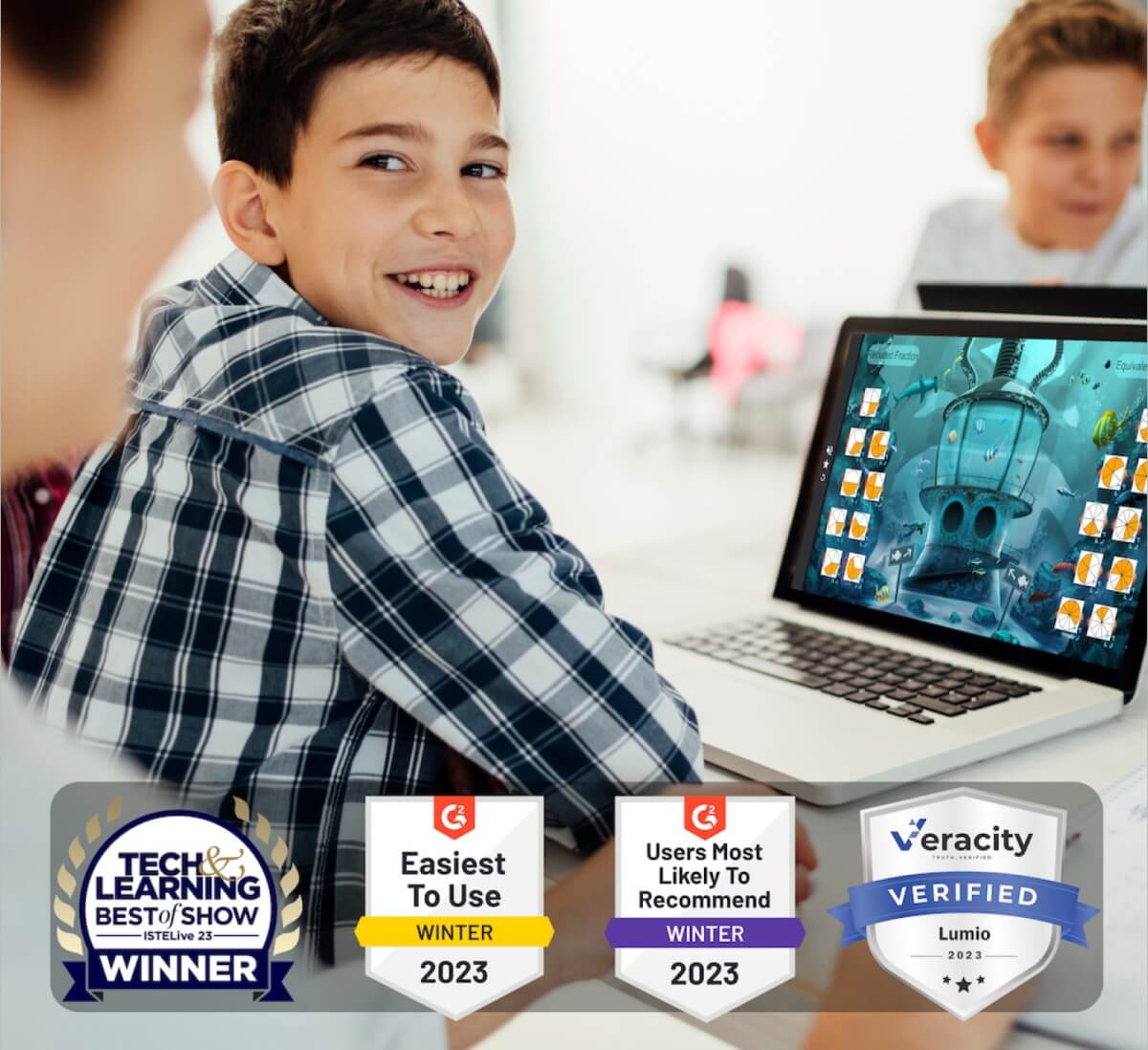
**More engagement. Half the price.**
This Black Friday, get more from every lesson with Lumio Standard.
Use code **BLACKFRIDAY** to **save 50% on one year of Lumio Standard.**
| [Get 50% off!](https://suite.smarttech-prod.com/login-purchase/basic-subscription) |
| --- |
| [What is Lumio? ](https://www.youtube.com/watch?v=JcMkrxOxn3E) |

## Don't miss out on this limited time offer!
Get 50% off one year of Lumio Standard in three easy steps.

### **Sign in to your Lumio account**
[Sign in to Lumio](https://suite.smarttech-prod.com/login-purchase/basic-subscription)
Don't have a Lumio account? [Sign up](https://suite.smarttech-prod.com/sign-up-now?IID=58736529-6cef-4903-a0de-77c1237b9506) for free.

### **Add the promotion code**
Enter code **BLACKFRIDAY** at checkout to get 50% off Lumio Standard.

### **Complete your payment**
Add your payment information, click "Subscribe", and you're done!
## **More teacher AI, more lesson storage, more time back.**
[](https://hubspot-cta-redirect-eu1-prod.s3.amazonaws.com/cta/redirect/569143/419f3aea-82be-43fb-8295-ccaa4f55747d)
For first-time purchasers selecting an individual Standard plan only. Offer expires December 31, 2026. Available to residents of the United States, Canada, the United Kingdom, Australia, Austria, Belgium, Croatia, Cyprus, Estonia, Finland, France, Germany, Greece, Ireland, Italy, Latvia, Lithuania, Luxembourg, Malta, the Netherlands, Portugal, Slovakia, Slovenia, and Spain. Not available to residents in Bulgaria, Czechia, Denmark, Hungary, Poland, Romania, Sweden, or in Asia, the Middle East and North Africa, Africa, or New Zealand.

## **Frequently asked questions**
- #### How does the SMART Board MX support multi-user interactions?
The SMART Board MX series supports 20 points of touch Windows, Mac and Android. The touch technology on the MX let your students write, erase, touch and gesture at the same time, across platforms and applications, without interfering with another user’s tool choices.
- #### How long do SMART boards last?
Designed for the future, with industry-leading upgradability and product lifespan, SMART displays with iQ maximize your technology investment. Automatically benefit from patches and updates to Android, plus SMART apps and features, so your technology stays secure, lasts longer and keeps up with the market.
- #### Are SMART boards easy to use?
A true walk and use whiteboard, the SMART MX series has built-in content and activities make it easy for teachers to add interactivity and engagement on the fly—even if they’ve never used a SMART Board.
- Import multi-page PDFs in as little as 3 clicks
- Markup web browser or apps, import, and keep editing!
- #### Can I use student devices with my SMART board?
The SMART Board MX series helps you get more from your student devices— in and out of the classroom This is so much more than screen sharing. SMART displays with iQ allow for whole-class participation, truly active learning and a level of student collaboration that you just haven’t seen before.
Broadcast live whiteboard to unlimited\* devices. Collaborative student tools:
- 2-way annotation
- Ink and text tools
- Move and resize objects
- Student attribution
- #### Does the SMART Board MX have NFC sign in?
Yes, the SMART Board MX series offers NFC sign in for up to 20 profiles per display. Teachers are always one click away from the apps, files, tools and cloud storage that they know and use daily, kept secure with customized user profiles.
- [**Contact Us**](https://www.smarttech.com/connect-with-smart)
- [**Support**](https://support.smarttech.com/)
---
©2026 SMART Technologies ULC - all rights reserved
- [Terms of Service](https://www.smarttech.com/lumio/legal/terms)
- |
- [Privacy Policy](https://www.smarttech.com/en/lumio/legal/privacy)
- |
- [Configure my region](https://suite.smarttech-prod.com/login?region-select)
-
-
-
-
-
-